
Where To Buy
Metrolink offers several convenient ways to purchase your fare.
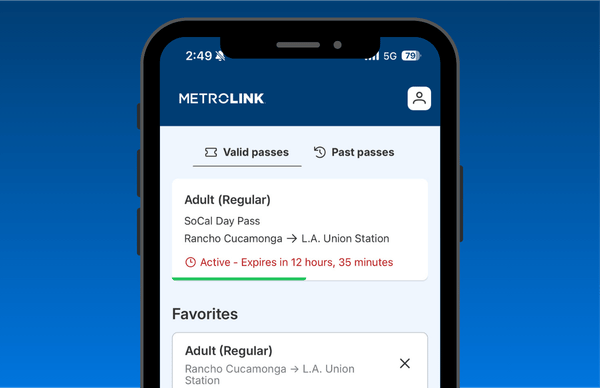
Metrolink App
- Buy available tickets and passes
- Access your tickets directly in the app
- Purchase and activate before boarding the train
- Recover eligible tickets if your phone is lost or replaced


You can also purchase mobile app tickets online.
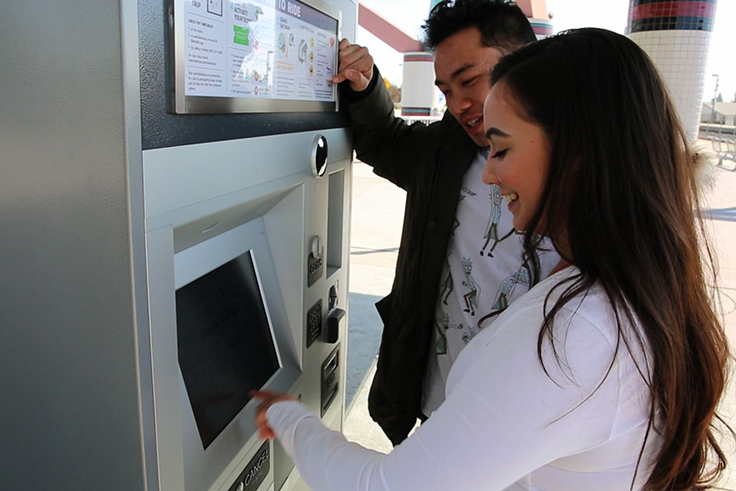
Ticket Machines
Purchase tickets and passes from a ticket machine at any Metrolink station. Ticket machines are also available for customers who do not have a smartphone or prefer a paper ticket.
1. Select your origin and destination. Find stations.
2. Choose your ticket or pass. View fare types.
3. Select the number of tickets and fare types. Find prices.
4. Pay and take your printed ticket.

Online Ticketing
Purchase One-Way Tickets through Metrolink's online ticketing portal.
Beginning October 5, One-Way Tickets purchased online will be delivered to the Metrolink Mobile App instead of printable PDF tickets. You will need a Metrolink Mobile App account to receive and display your ticket.
- Select your origin and destination.
- Choose your One-Way Ticket and fare type.
- Sign in using your Metrolink Mobile App account.
- Complete your purchase and access the ticket in the app.
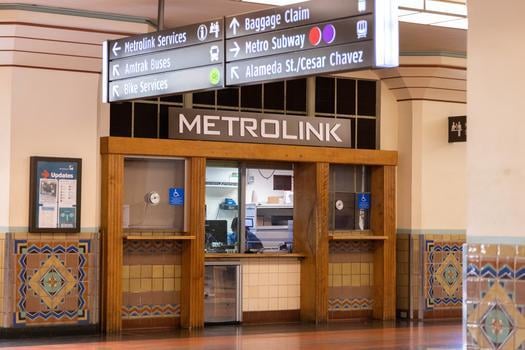
Los Angeles Union Station
Two ticket windows (East and West Portals) at Union Station offer all ticket types as well as the option to purchase tickets with up to three payment methods, including TransitChek. Personal checks are not accepted.
Ticket windows are open 6:30 a.m. - 6:30 p.m. Monday - Friday.
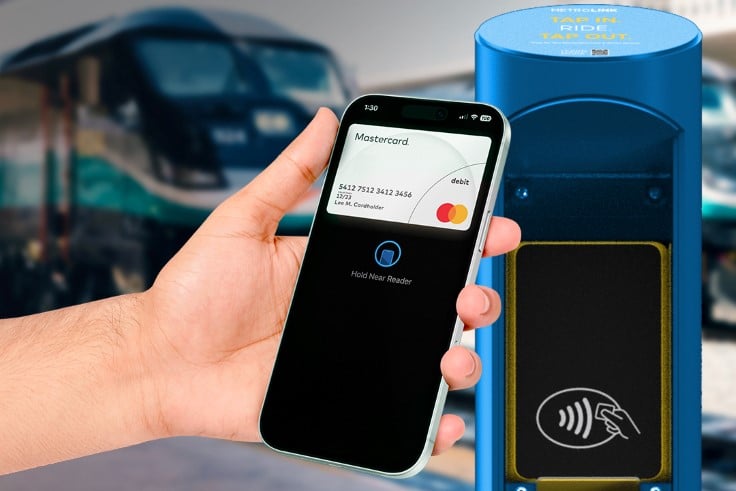
Contactless Payment
You can now pay for your trip in a few simple steps using your contactless card or mobile wallet.
- Available only on the San Bernardino Line and Arrow service for travel between eligible San Bernardino Line and Arrow station pairs.
-
Pay for one-way trips using a contactless credit card, debit card, or mobile wallet, including Apple Pay and Google Pay.
-
No paper ticket, mobile ticket, or advance purchase required. Simply, Tap in. Ride. Tap out.
-
Before boarding, tap your card or mobile wallet at the validator and tap out at your destination station to complete your trip.
More WAYS TO Buy
Outlets
Buy all ticket types at certain locations.