
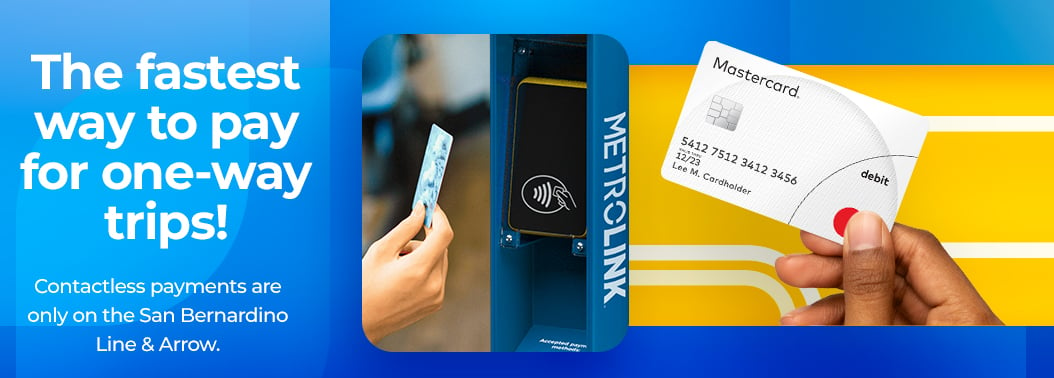

Contactless Payments
Best for full-fare, one-way trips exclusively on the San Bernardino Line and Arrow.

Use the same card or mobile wallet for both taps.
See What Your Ride Will Cost
Check Eligible Stations
Help Improve Contactless Payments
Tell us about how you prefer to pay for your ride
Important to Know Before You Ride
Contactless Payments on Metrolink are currently available only for one-way travel between eligible stations on the San Bernardino Line and Arrow service. Before using Contactless Payments, please review the following exclusions:
- Travel is limited to eligible stations between the San Bernardino Line (including LA Union Station) and Arrow service only
- Trips that continue onto other Metrolink lines require another ticket purchase option
- Free transfers to Metro or other transit agencies are not included with Contactless Payments
- Reduced fare programs and discounted ticket types are not available for Contactless Payments at this time
- Mobility-4-All / EBT discounts are not currently supported
- SoCal Explorer Rewards points cannot be earned for trips paid for with Contactless Payments
- Contactless Payments work separately from Metrolink mobile ticketing and are not connected to the Metrolink app
Pro Tip: If your trip includes another Metrolink line, connecting transit service, discounted fares, or mobile ticket features, purchase your fare through the Metrolink mobile app or at a ticket machine.
Frequently Asked Questions
What payment methods can I use?
You can use a contactless Mastercard, Visa, Discover, or American Express credit or debit card, or a mobile wallet such as Apple Pay or Google Pay. Prepaid cards are also accepted if they carry one of these logos. Other transit cards, including Metro’s TAP card, are not accepted.
Where can I use Contactless Payments?
Contactless Payments are available only for eligible one-way travel between stations on the San Bernardino Line and Arrow during this pilot.
How do Contactless Payments work?
Tap your contactless card or mobile wallet on the blue validator before boarding. Tap the same payment method again before exiting at your destination to complete your trip.
What is the maximum I will be charged?
The maximum one-way fare is $12.
Daily fare caps are $19 on weekdays and $12 on weekends.
Can I pay onboard?
No. Contactless payments are not available onboard.
Do I need to use the same card or mobile wallet when I exit?
Yes. You must use the same card or mobile wallet when you exit so your trip can be completed and charged correctly.
What if there is a track change after I already used the validator?
You do not need to tap again. Simply go to the updated track and board your train.
What if a validator is out of order?
Each platform has at least two validators, and some stations have more. If one validator is not working, use another validator. If no validator is available, use a ticket machine or the Metrolink mobile app to pay your fare.
What is the credit hold on my card?
A temporary hold may be placed on your card. The amount is set by your financial institution (usually between $.01 and $1.00). Your final fare will be calculated after you tap out at your destination.
How do I show proof of payment to a conductor or fare inspector?
Simply present the card or mobile wallet used to tap in to a conductor or fare inspector upon request, and they will tap it to verify your tap.
Can more than one person ride using the same card or device?
No. Each rider must use their own payment method. If you are traveling with others, including children, each person must use their own contactless card or mobile wallet, or purchase fare at a ticket machine or in the Metrolink mobile app.
Do discounts, promotions, or rewards apply?
No. Contactless Payments does not include discounted fares, Mobility4All/EBT discounts, or SoCal Explorer Rewards points.
Are transfers included?
No. Contactless Payments covers a single one-way trip only. Free transfers are not included to other Metrolink lines or transit agencies. If you plan to transfer, use another ticket option.
What happens if I forget to use the validator when I exit?
If you do not tap out within 3.5 hours, you will be charged the maximum one-way fare.
What if my card is declined or doesn’t work?
If your payment method is not accepted, try another contactless card or mobile wallet. You can also purchase a ticket at a ticket machine or in the Metrolink mobile app.
When will my payment method be charged?
Your payment method will be charged during the overnight hours after your day of travel.
What if my card is in my wallet or phone case?
Remove your card from your wallet or phone case before using the validator. This helps avoid card clash, which can happen when the validator detects more than one card at the same time.
Can I pay for multiple people using the same payment method?
No. Each rider must use their own contactless payment method. A single card or mobile wallet cannot be used to pay for multiple riders.
What if I don't think my tap was accepted?
Look for the Accepted message and listen for the confirmation sound. If your payment is accepted, you do not need to tap another validator. Tapping multiple validators at the same station with the same payment method could result in an incorrect fare charge.
What if I tap more than one validator with the same payment method?
Only tap once before boarding. If your payment is accepted, do not tap another validator at the same station. Additional taps could result in an incorrect fare charge.