
Report Safety Concerns
A Safety Reporting App for Metrolink Riders
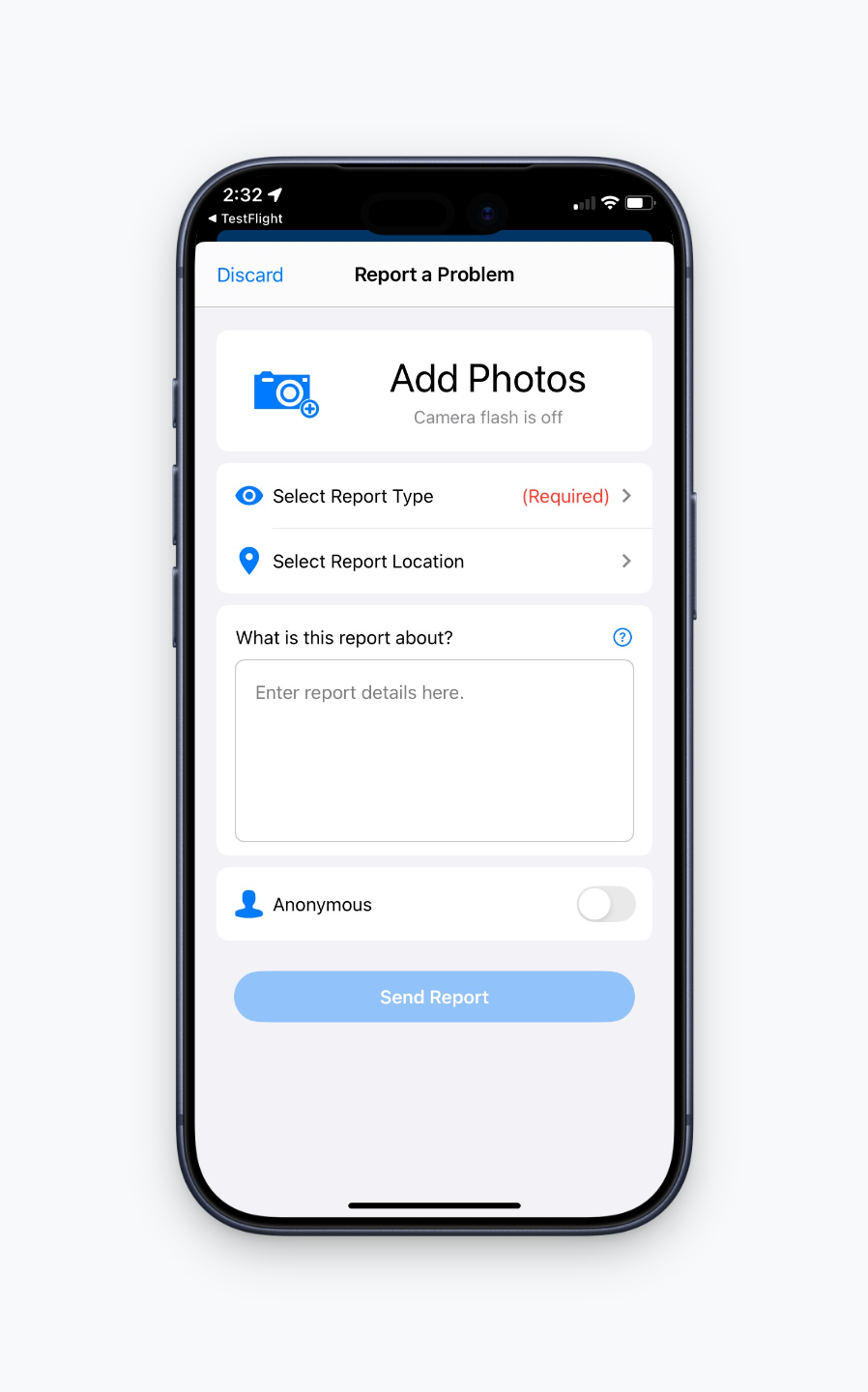
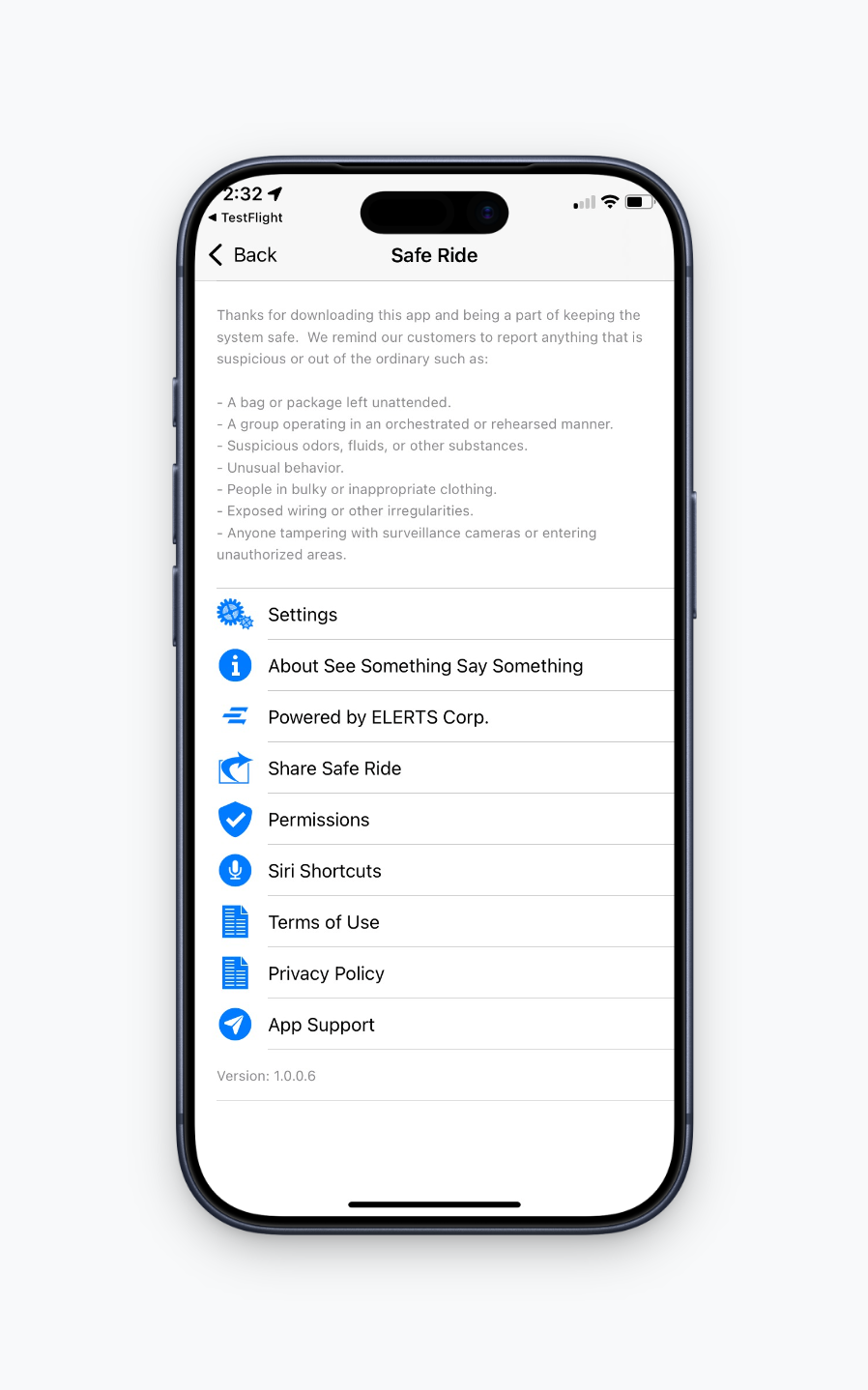
Metrolink Safe Ride is a new app designed to report non-emergency safety and security concerns at stations or onboard trains. Use the app to send details directly to Metrolink's Security Operations Center - quickly, discreetly, and anonymously if you choose.
Download it before you need it.


Download the separate Metrolink Safe Ride app to submit safety reports. It is not part of the Metrolink Mobile App used to purchase and manage tickets.
Know Which Action to Take
Don't have the Safe Ride app?
Call or text Metrolink's SOC at (866) 640-5190, available 24/7.
Or
Report a Safety Concern Online Below
FAQ
Metrolink Safe Ride is a separate mobile app that allows riders to report non-emergency safety and security concerns directly to Metrolink’s Security Operations Center.
Use the app to report suspicious activity, unsafe conditions, or other non-emergency concerns at a Metrolink station or onboard a train.
No. If there is an immediate threat to life, an active crime or another emergency, call 911.
Download the app from the Apple App Store or Google Play using the links provided on this page.
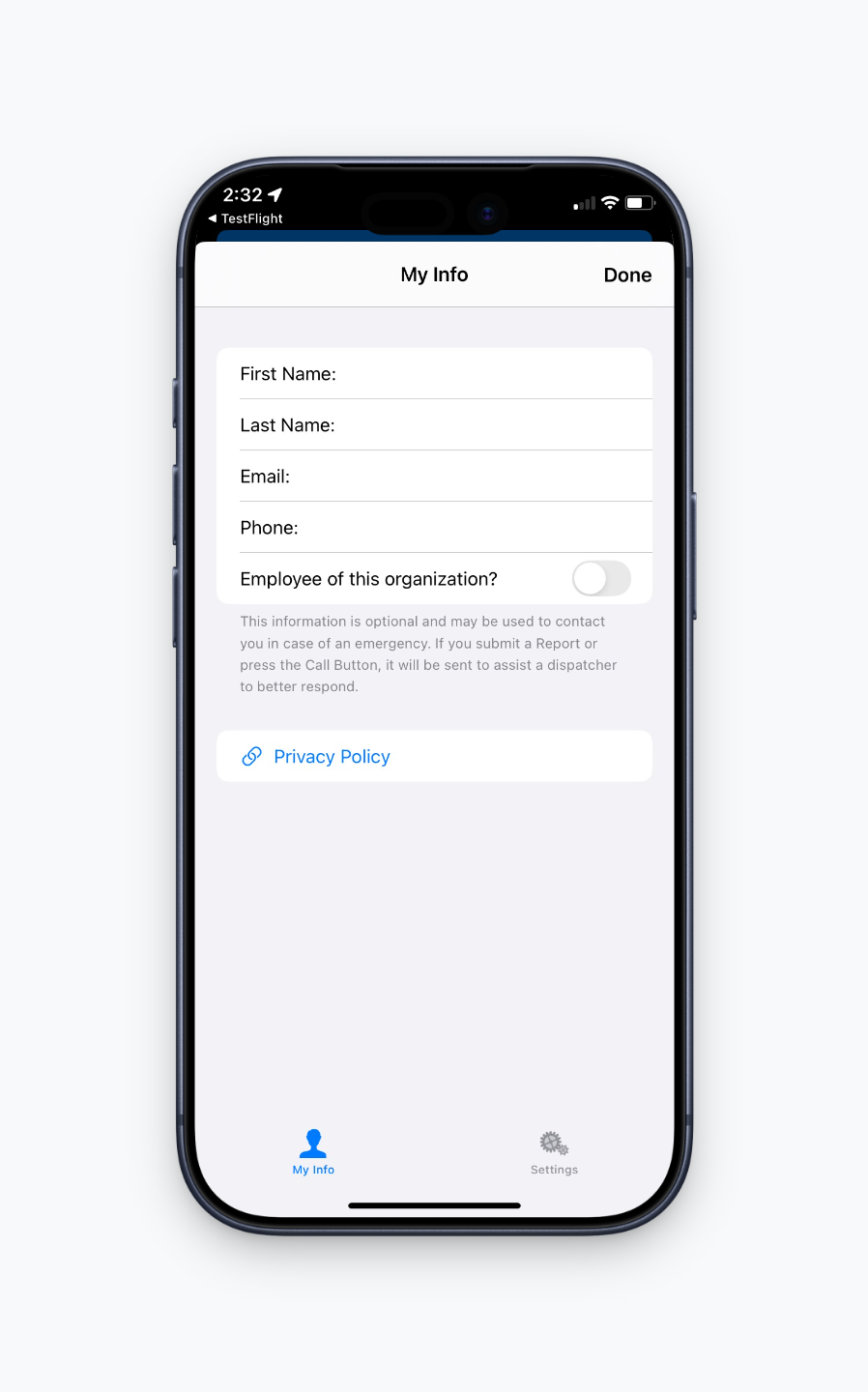
No, you do not need to create an account to use Metrolink Safe Ride. You have the option to enter your contact information by going to the Settings tab on the app.
No. Metrolink Safe Ride is used to report safety and security concerns. The Metrolink Mobile App is used to purchase and manage tickets.
Yes. You may submit a report without providing your contact information.
Provide the type of concern, its location and any details that could help Metrolink respond. You may also include a photo when it is safe and appropriate to do so.
Reports are sent directly to Metrolink’s Security Operations Center (SOC), where trained personnel review the information and coordinate the appropriate response.
Not necessarily. If you provide contact information, the Security Operations Center may contact you for additional details or follow-up. Providing contact information is optional.
You can submit a report using the online form on this page or call or text Metrolink’s Security Operations Center at (866) 640-5190, available 24/7. You may also notify a conductor, Metrolink employee, security officer, or law enforcement officer.